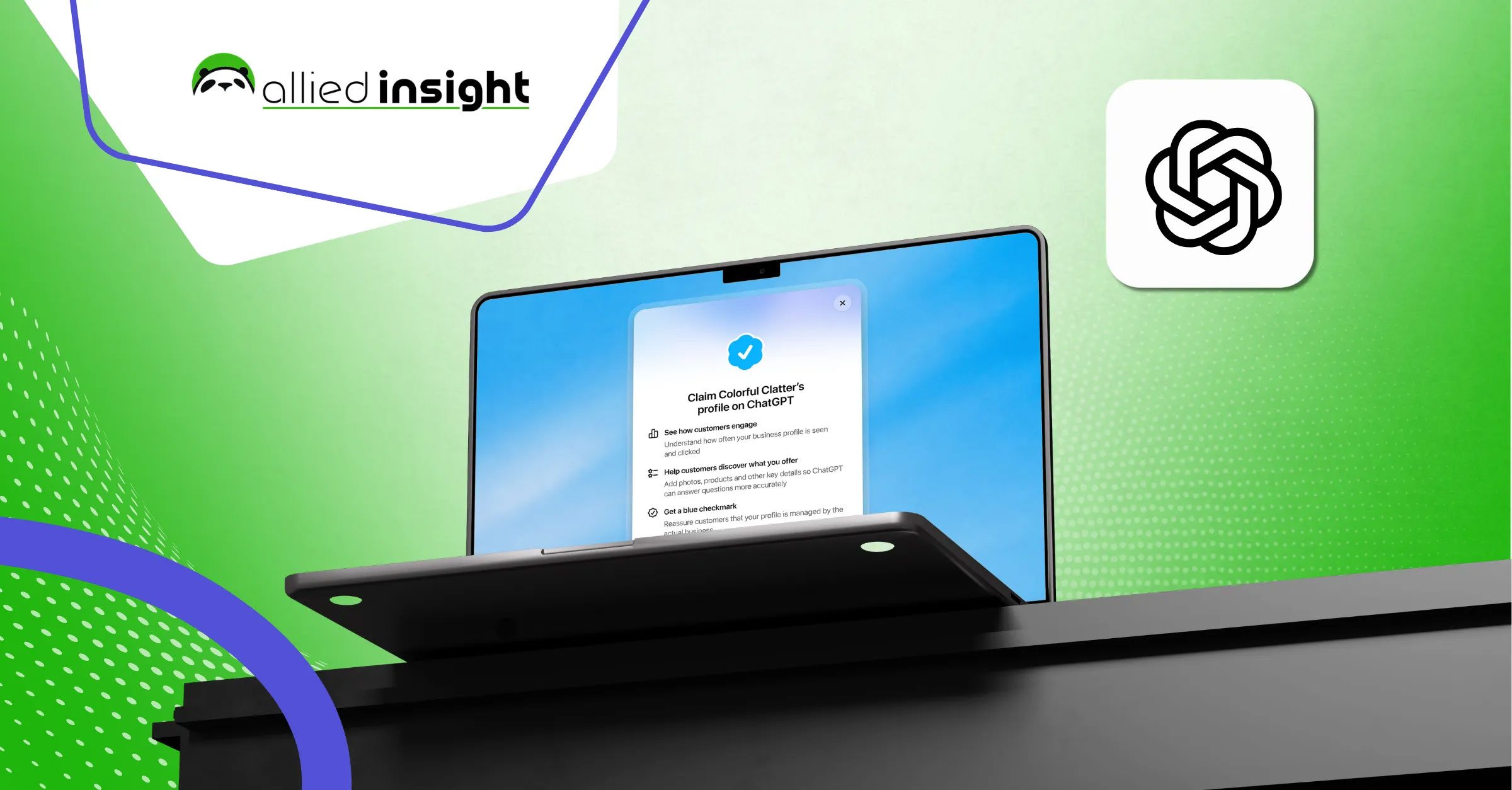
The short answer: A ChatGPT business profile lets you supply and correct the details ChatGPT can draw on about your firm. Claim it in Business Hub, verify by phone, email, domain or Shopify, then pass an identity check. Your website still earns the mentions. OpenAI counts one only when ChatGPT references your site, and reports them over 28 days.
This guide is for owners and marketing leaders of service businesses, staffing firms among them, setting up their business in ChatGPT.
Google users who saw an AI summary clicked a traditional search result in 8% of visits, against 15% for users who saw none, according to Pew Research Center. Searchers are taking the answer and moving on. On November 10, 2026, OpenAI opened Businesses in ChatGPT, a beta that lets a firm claim its listing and correct its details. OpenAI pitched it as a way “to connect with the 1.2 billion people who use ChatGPT each week,” as Search Engine Roundtable reported. So what can the profile do for you?
The answer sits in OpenAI’s own help article, and it’s more useful than the launch coverage suggests. For an online business, “a mention counts when ChatGPT references the business’s website. The brand name alone doesn’t count.” That one line splits the work in two: the profile keeps your own facts current, and your pages get you cited.
This guide covers what the profile controls, how to claim it and which problems belong to your pages. It ends with how to earn citations and the three numbers to read.
What does a ChatGPT business profile actually control?
A ChatGPT business profile controls the facts you supply: website, description, service category, logo and policies. OpenAI reviews each change before it publishes. The profile also unlocks 28 days of insights on mentions and clicks. Claiming “doesn’t guarantee increased visibility,” OpenAI says, so treat the profile as your accurate record and build on it.
That record matters because ChatGPT already answers questions about firms like yours. OpenAI’s help article says updates “can take time to appear in a listing or a ChatGPT answer.” It adds that ChatGPT “may also use other sources when answering questions about your business.” Your profile is one source among several. Your website, your directory listings and your online reputation keep feeding the answer.
Two parts of the profile are easy to misread. The blue verified badge doesn’t come from claiming. It appears only after a separate identity check with Persona is approved. The business agent, OpenAI’s branded chat for businesses, is limited to eligible ecommerce and online service businesses in the US with a website. OpenAI notes that “some businesses can manage a profile without being eligible for an agent.” If your firm doesn’t qualify, the option won’t appear, and the profile works either way.
The profile is still worth the afternoon, because buyers decide early. In 6sense’s buyer research, 94% of buying groups ranked preferred vendors before first contact. A wrong description can cost you the shortlist before anyone calls.
How do you claim your business in ChatGPT?
Claiming runs in three steps: choose the ChatGPT account that will own the claim, verify through one of four routes (business phone, business email, website domain or Shopify), then pass OpenAI’s Persona identity check. Only after Persona approval can you edit details or see insights, so line up the authorized person early.
1. Decide which account owns the claim
The claim follows the ChatGPT account you use. OpenAI asks you to “confirm the ChatGPT account you’ll use to manage it.” The admin who claims the business later adds teammates or grants an agency access. So claim from an account the firm will keep, not one that leaves with an employee. Each distinct brand is claimed on its own, and claiming the main brand doesn’t claim its locations.
2. Pick the verification route your firm can finish
Open Business Hub from the ChatGPT sidebar, search for your business by name and select the matching listing. Then choose a route: a text or call to the business phone, a code to the business email, a TXT record in your DNS settings, or a Shopify connection. The domain route can stall when DNS access sits outside marketing, so line up whoever controls it first. OpenAI notes that “DNS changes may take time to appear.”
3. Finish the Persona check, then correct the details
After OpenAI approves the claim, the Persona check unlocks publishing, insights and the badge. Expect to provide “a government-issued ID, business registration information, and proof that you’re authorized to represent the business.” Your name, address and any registration number should match your official records. Review time varies. Once approved, update your website, description, service category and logo. Then check the live listing again after OpenAI publishes the changes.
Picture a buyer asking ChatGPT about your firm tonight. The answer should show your current site and services. Compare it with your listing. Anything stale means ChatGPT describes a firm you no longer run. Unsure what to fix? Let’s talk it through
Profile or pages: which one fixes what
The governing rule: the profile fixes facts, and your pages earn citations. ChatGPT counts a mention only when it references your website. OpenAI’s crawler documentation says opted-out sites “will not be shown in ChatGPT search answers.” Split the work along that line, and each fix lands where ChatGPT reads.
This table sorts common problems by where each one gets fixed.
| Problem | Fixed in the profile | Fixed on your website |
| Wrong website, description or category | Yes, after Persona approval | Match the facts on your About page |
| ChatGPT never cites your site | No | Allow its crawler; answer buyer questions |
| ChatGPT lists services you don’t sell | Partly, through category and description | One clear page per service |
| No idea how often you come up | Yes, through 28-day insights | No |
| Outdated answers about your firm | Partly, after review | Refresh the pages that get cited |
Freshness helps explain the right-hand column. In an Ahrefs citation study of 17 million citations, URLs cited by AI assistants averaged 1,064 days old, against 1,432 days for URLs in organic search results. In its in-text references, ChatGPT cited URLs 393 days newer than Google’s organic results. Cited pages skew newer, though freshness is one factor among many. It sits alongside search equity, where older pages still hold authority.
The offensive play is consistency. If your profile, About page and directory listings describe three different firms, ChatGPT has to pick one. Write the description once and use it everywhere. Entity-based SEO works the same way, and so does keeping your structured data aligned with the page.
How do you get ChatGPT to cite your website?
ChatGPT cites pages its search crawler can reach and that answer a buyer’s question plainly. OpenAI says OAI-SearchBot “is used to surface websites in search results in ChatGPT’s search features.” Allow that crawler first, because it gates the rest, then publish one page per real buyer question and keep those pages current.
The buyers worth that effort are already asking. Forrester reports that 94% of business buyers use AI during their buying process. G2 found that 51% of B2B software buyers now start research with an AI chatbot more often than Google, up from 29% in April 2025. That figure covers software buyers, not services buyers. The direction still holds: the buyer journey often starts in a chat window.
- Allow OAI-SearchBot in your robots.txt file. OpenAI recommends it. Each crawler setting is independent, so you can allow search while disallowing GPTBot, the training crawler.
- Publish one page per question buyers ask. Who you serve, what each service includes, how an engagement starts. Content cited in AI search answers in its first lines, then explains.
- Refresh the pages that get cited. Check your discovery topics monthly and update the page behind each one.
Automate the timing, never the human moment. Schedule the monthly insights check and the refresh reminder, but have a person write what buyers read. Gartner found that 69% of B2B buyers turn to sales reps to validate AI-generated insights, so a citation can get you considered while your people still do the closing. That’s generative search strategy in one line.
If your robots.txt blocks OAI-SearchBot, your pages stay out of ChatGPT’s search answers. Open the file and check that name and any blanket rule. Neither should block it. Found a block, or nobody who owns the file? Compare notes with us
Three numbers to read in your first 28 days
Read three numbers together: mentions, website clicks and discovery topics, all covering the past 28 days. A mention counts only when ChatGPT references your website. OpenAI warns that a blank metric “doesn’t necessarily mean zero activity.” Record the first month as a baseline before changing anything, then compare month over month.
Clicks are scarce everywhere, so read them in context. SparkToro found that 68.01% of Google searches ended without a click in the first four months of 2026. Ahrefs reported that AI Overviews correlate with a 58% lower click-through rate for the top-ranking page. ChatGPT counts may start low too, and OpenAI hasn’t published a benchmark. What matters is how the three numbers move together:
- Mentions rising, clicks flat. ChatGPT cites your pages but gives readers no reason to visit. Check what the page offers next.
- Clicks steady, mentions falling. Another page may be answering your buyers’ questions better. Refresh yours.
- Topics you don’t sell. Your service pages may be unclear. Rewrite the page behind each stray topic.
Set up tracking before the first month ends. Note the date your claim was approved and mark it in your web analytics. OpenAI’s interface warns that clicks “don’t confirm website visits or conversions,” so match them against your analytics. If a metric stays blank, OpenAI says to contact its support team.
Run the topic test once your insights appear. Each discovery topic should match a service you sell. A stray topic may mean ChatGPT files your firm under someone else’s work. Want a second read on the list? Get a second read
Frequently asked questions
Is it free to claim a business in ChatGPT?
Can a marketing agency manage a business profile in ChatGPT?
Yes, once your firm has claimed it. The admin who claimed the business can grant an agency access to manage it. Each person uses their own ChatGPT account. The claim itself should come from someone authorized to represent the business.
How long does ChatGPT business verification take?
OpenAI says review time varies. It reviews the claim, then the Persona identity check, and emails a decision after each. You can cancel a claim while it’s under review. OpenAI advises waiting for the decision before trying again.
Will claiming my business make ChatGPT recommend it more often?
Claiming lets you manage the information you provide about your business, which ChatGPT may draw on. OpenAI says it doesn’t guarantee increased visibility or give direct control over ChatGPT’s independent recommendations. Advertising doesn’t influence those answers either, so the pages ChatGPT cites still matter.
Do I need a business agent to use a ChatGPT business profile?
No. Publishing an agent is a separate, optional step. Agents are available to eligible ecommerce and online service businesses in the US with a website, and OpenAI says some businesses can manage a profile without being eligible for one.
Claim the profile, then earn the citation
OpenAI says 1.2 billion people use ChatGPT each week, and Google users click a result in only 8% of AI-summary visits. The firms likely to come out ahead will claim early, describe themselves consistently, open their sites to OpenAI’s crawler and answer buyer questions. The profile will likely become table stakes. Citations are where firms will separate.
The claim and the identity check are yours, because OpenAI needs your authorized person and your records. The pages ChatGPT can cite are where we come in, through SEO and content programs and website services built around your buyers’ questions. If you’d like context before committing to anything, start with a conversation.
References
- “Setting up your business on ChatGPT.” OpenAI Help Center. Published undated (page marked updated November 2026). Verified live November 12, 2026.
- “Businesses in ChatGPT Business Hub Live With Click Data.” Search Engine Roundtable. Published November 10, 2026. Verified live November 12, 2026.
- “Google users are less likely to click on links when an AI summary appears in the results.” Pew Research Center. Published July 22, 2025. Verified live November 12, 2026.
- “Overview of OpenAI Crawlers.” OpenAI. Published undated. Verified live November 12, 2026.
- “New Study: AI Assistants Prefer to Cite Fresher Content (17 Million Citations Analyzed).” Ahrefs. Published July 28, 2025. Verified live November 12, 2026.
- “The Timeline for Influencing B2B Buyers Is Shrinking: Insights From 6sense’s 2025 Buyer Experience Report.” 6sense, via Business Wire. Published November 12, 2025. Verified live November 12, 2026.
- “The State Of Business Buying: Risk-Averse Buyers Demand Proof, Not Promises.” Forrester. Published January 21, 2026. Verified live November 12, 2026.
- “New G2 Research: Half of B2B Software Buyers Now Start Their Research With AI Chatbots.” G2, via PR Newswire. Published April 15, 2026. Verified live November 12, 2026.
- “Gartner Survey Finds 69% of B2B Buyers Turn to Sales Reps to Validate AI-Generated Insights.” Gartner. Published May 20, 2026. Verified live November 12, 2026.
- “In 2026, Less than One Third of Google Searches Still Send a Click.” SparkToro. Published June 8, 2026. Verified live November 12, 2026.
- “Update: AI Overviews Reduce Clicks by 58%.” Ahrefs. Published February 4, 2026. Verified live November 12, 2026.